« SnapX saves me so much time. It’s almost like having an extra employee! It’s easy to use, organizes information quickly, and the service is impeccable. »
SnapX
Are you still entering your invoices manually?
SnapX is THE fastest way to save your receipts and invoices
into your accounting software. You take a picture and
artificial intelligence takes care of the rest!
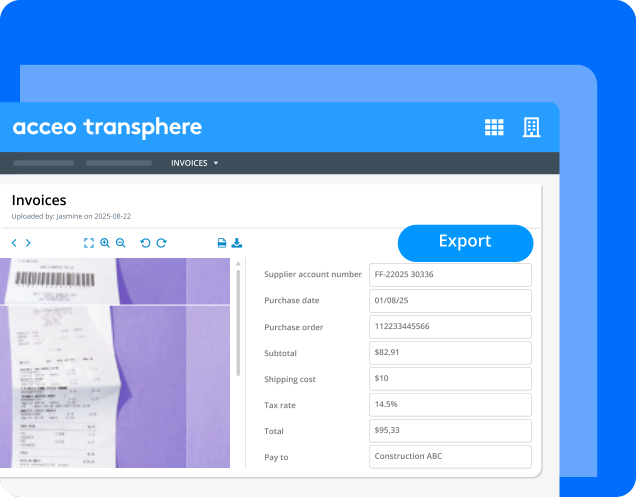
Let artificial
intelligence work
for you
Why waste time entering data when technology can do it for you?
SnapX automates data entry, reduces errors and lets you focus
on what really matters.
- Less time lost entering data from your receipts and invoices
- Less risk of error
- Direct integration with your accounting software*
*To learn more, consult the frequently asked questions, at the bottom of this page.
How does SnapX work?
SnapX is designed to make your life easier. The application is simple to configure and easy to use.
Capture of the document
SnapX offers several ways to submit the document: a photo of a physical document, a digital document, direct upload, email, etc.
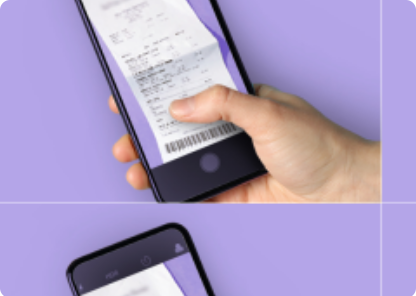
Smart data extraction
Once the document is sent, SnapX gets to work. The algorithm recognizes and sorts automatically key information: suppliers, taxes, amounts, etc.
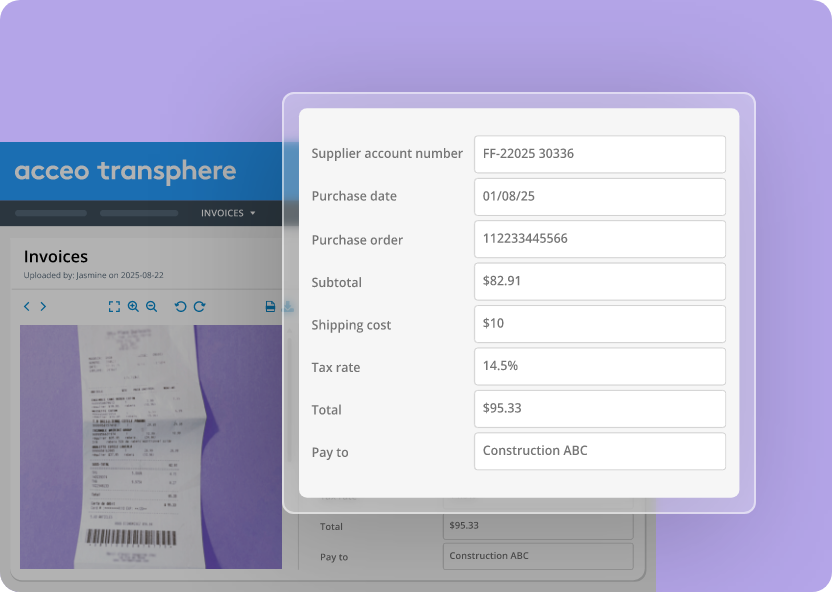
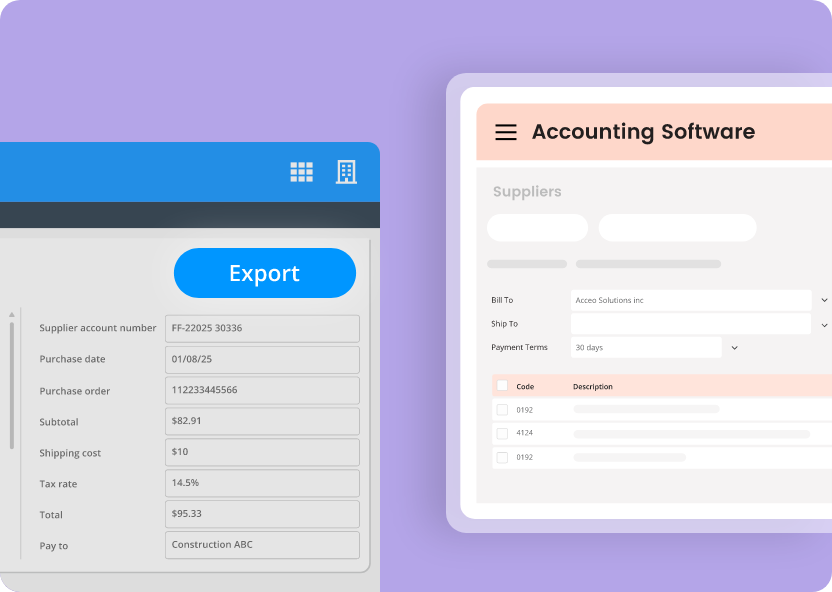
Export to your accounting software
Once the processing of your invoice is done, review the data in the web application and export it to your accounting software, with a single click.
Your business has access to artificial intelligence. Take advantage of it now!
Questions fréquentes
Already connected accounting software
If you’re using the following software: Acomba, Avantage PME or Spire, SnapX is already integrated in your system. Communicate directly with your supplier to learn how you can take advantage of it.
Other software
SnapX can be connected to any software with an appropriate entry point (SDK, API, etc.) We offer a toolkit that allows a developer to carry out this integration easily and quickly. To learn more, communicate with our experts.
There’s two ways you can upload your documents to SnapX:
- From the SnapX software on your desktop
- By e-mail
The files can be images or PDF.
SnapX automates and optimizes the processing of receipts and invoices using artificial intelligence and machine learning. We offer an efficient solution that far surpasses manual data entry.
The process is extremely simple: you submit your invoices, and SnapX takes care of recognizing, categorizing, and transferring the information to your accounting software.